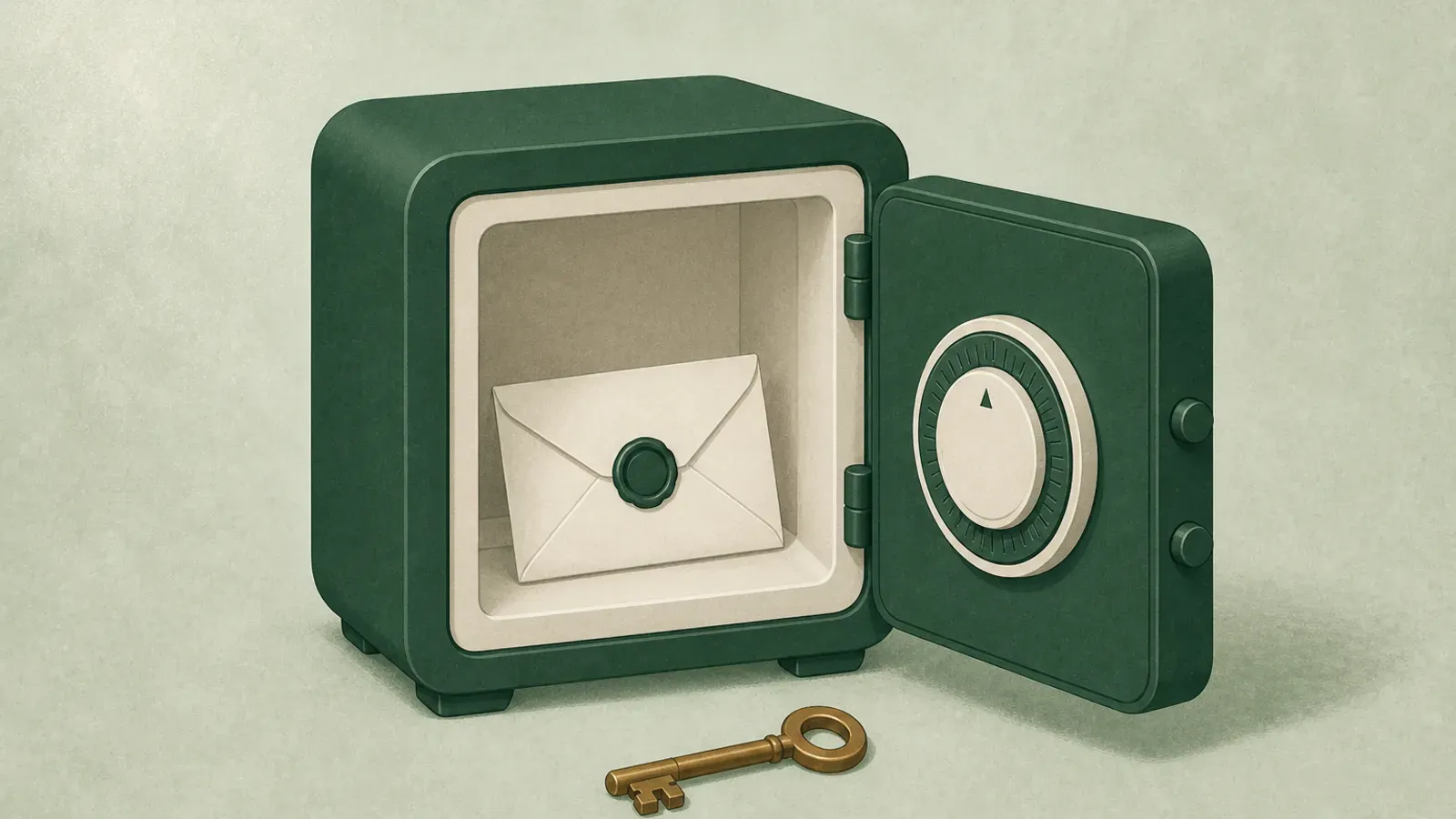
Apple added Legacy Contact in iOS 15.2. It is free, it takes about three minutes, and it solves a problem that used to require a court order.
It also has one exclusion that surprises almost everyone, and it happens to be the exclusion that matters most.
What it is
A Legacy Contact is a person you nominate who can request access to your iCloud data after your death. You can nominate more than one.
When you set it up, Apple generates an access key. Your contact needs two things to make a request: that access key, and a death certificate. Apple reviews the request. If it checks out, your contact gets a special Apple Account that provides access to your data for a limited period, commonly cited as three years.
The access key is the important detail. If your contact uses an Apple device, the key can be stored automatically in their settings, which is by far the most reliable option. Otherwise you need to give them a printed or saved copy, and that copy has to survive and be findable.
To set it up: Settings, tap your name, Sign-In and Security, Legacy Contact.
What your contact gets
Broadly, the personal data in your iCloud account. Photos, notes, mail, documents, contacts, calendars, downloaded apps, and device backups.
That is a genuinely meaningful amount. For most families the photos alone justify the three minutes.
What they do not get
Here is the part people miss.
Keychain passwords are not included. Your saved passwords and payment information do not transfer to a Legacy Contact. Apple excludes them deliberately, and from a security standpoint the reasoning is sound.
Think about what that means in practice. Your family can read your email and see your photos. They cannot get the passwords to your bank, your brokerage, your utilities, your business accounts, or anything else stored in Keychain. If you are an Apple household who has been saving passwords to Keychain for a decade, the single most operationally useful part of your digital life is the part that does not pass on.
Licensed media does not transfer. Purchased films, music, and books are licenses, not property.
It requires a death certificate. This is correct behavior, and it means Legacy Contact is strictly a post-death tool. It does nothing for incapacity, a long hospital stay, or a coma. If you are alive but unreachable, Legacy Contact does not apply.
It only covers Apple. Same limit as every platform tool.
Set it up anyway
The gaps are real, and the tool is still worth three minutes. Nominate someone. If they use an Apple device, nominating them stores the access key on their end automatically, which removes the main way this fails.
While you are there, consider that Legacy Contact and Google's Inactive Account Manager cover different halves of most people's digital life. Doing both takes about fifteen minutes total.
Covering the Keychain gap
Since Keychain is the notable exclusion, deal with it directly. You have a few options.
Move to a password manager with a succession feature. Bitwarden's Emergency Access and 1Password Families organizer recovery both provide a path that Keychain does not.
Write the critical few down. You do not need to transfer 300 passwords. Your family needs perhaps ten: primary email, bank, phone carrier, password manager, and a small number of others. Email access plus phone access can reset most of the rest.
Put them somewhere with leave, check-in, and claim. Since this is our site, here is the plain fit.
Where HeirVault fits
HeirVault holds the things Legacy Contact excludes and the instructions nobody's platform tool provides. Documents, logins, bank details, will copies, files, and a note about what you want done. You name who gets what. Your live vault is protected by end-to-end encryption and encrypts in your browser before upload. That means HeirVault stores ciphertext and cannot decrypt your live vault.
The practical differences from Legacy Contact: no death certificate is required, because release is driven by check-ins rather than proof of death, which means it covers incapacity too. The waiting period is days rather than an unknown review timeline. And it holds anything, not one company's data.
Use both. Apple can hand over your photos. Only you can hand over the passwords and the plan.
Start free or read how release works.
Sources
- Apple Legacy Contact overview: support.apple.com/en-us/102631
- How to add a Legacy Contact: support.apple.com/en-us/102626
Last verified July 2026. Vendor features change. Confirm current behavior in Apple's own documentation before you rely on it.
This is general information, not legal advice. Rules differ by country and state. Talk to a qualified professional about your own situation.